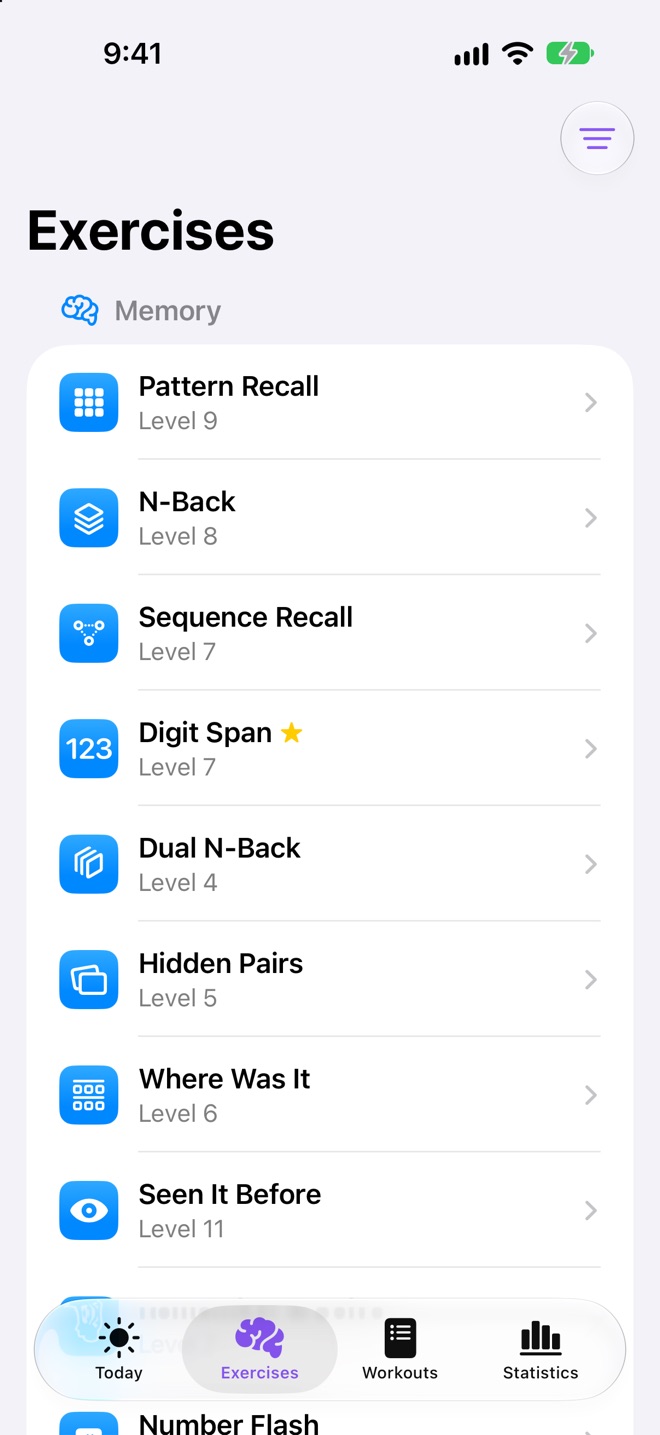
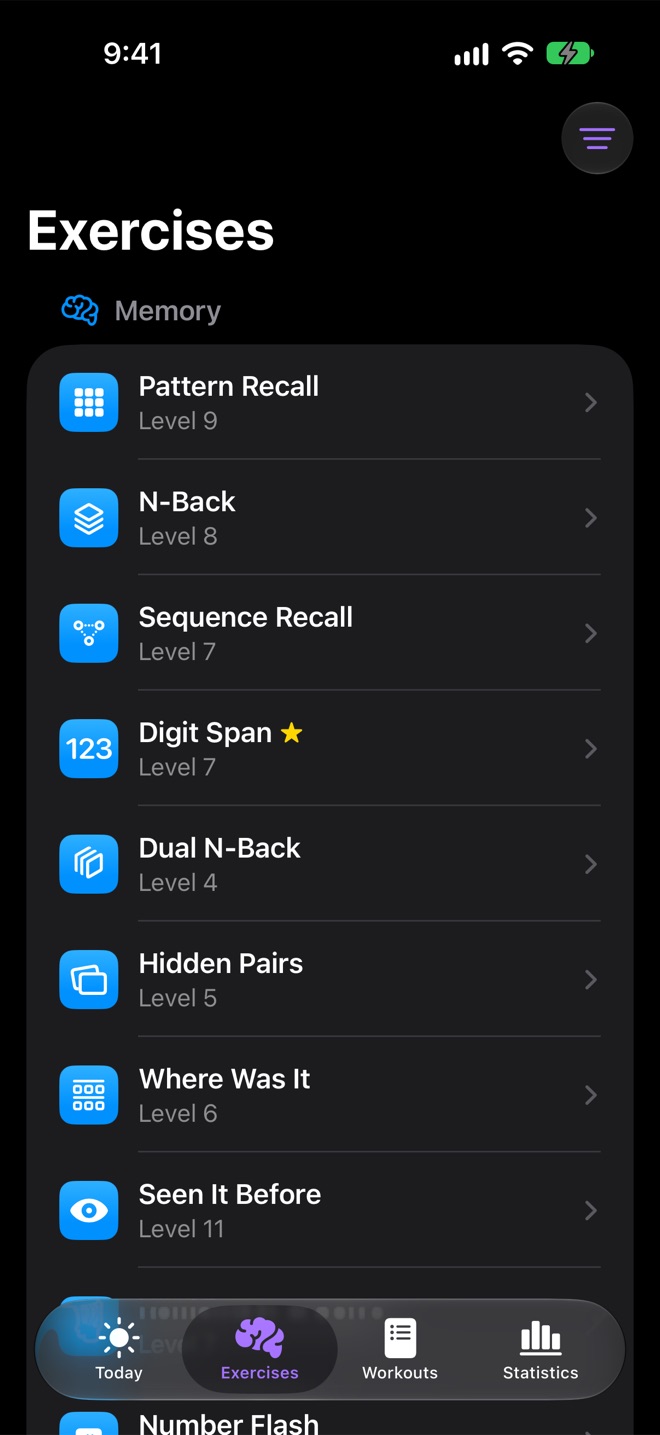
57 exercises in eight areas
Memory, attention, speed, flexibility, reasoning, math, spatial thinking and language, from N-Back and Digit Span to Tower Plan and Word Builder. Each page names the research task it's built on.

Short exercises. An honest record.
CogniFit has 57 short exercises for memory, attention, speed, reasoning, math, spatial thinking and language, each built on a well-studied task from psychology research, with a Daily Workout picked for you and levels that follow your answers.
Features
Memory, attention, speed, flexibility, reasoning, math, spatial thinking and language, from N-Back and Digit Span to Tower Plan and Word Builder. Each page names the research task it's built on.
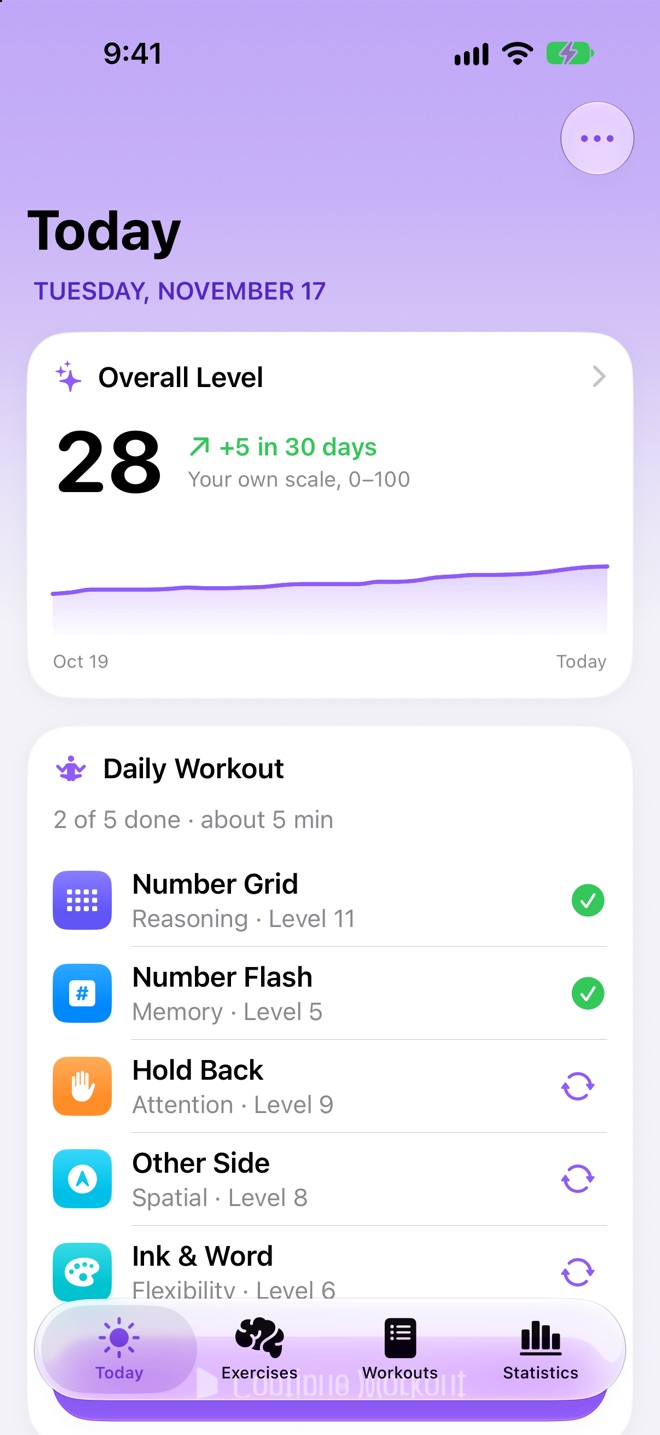
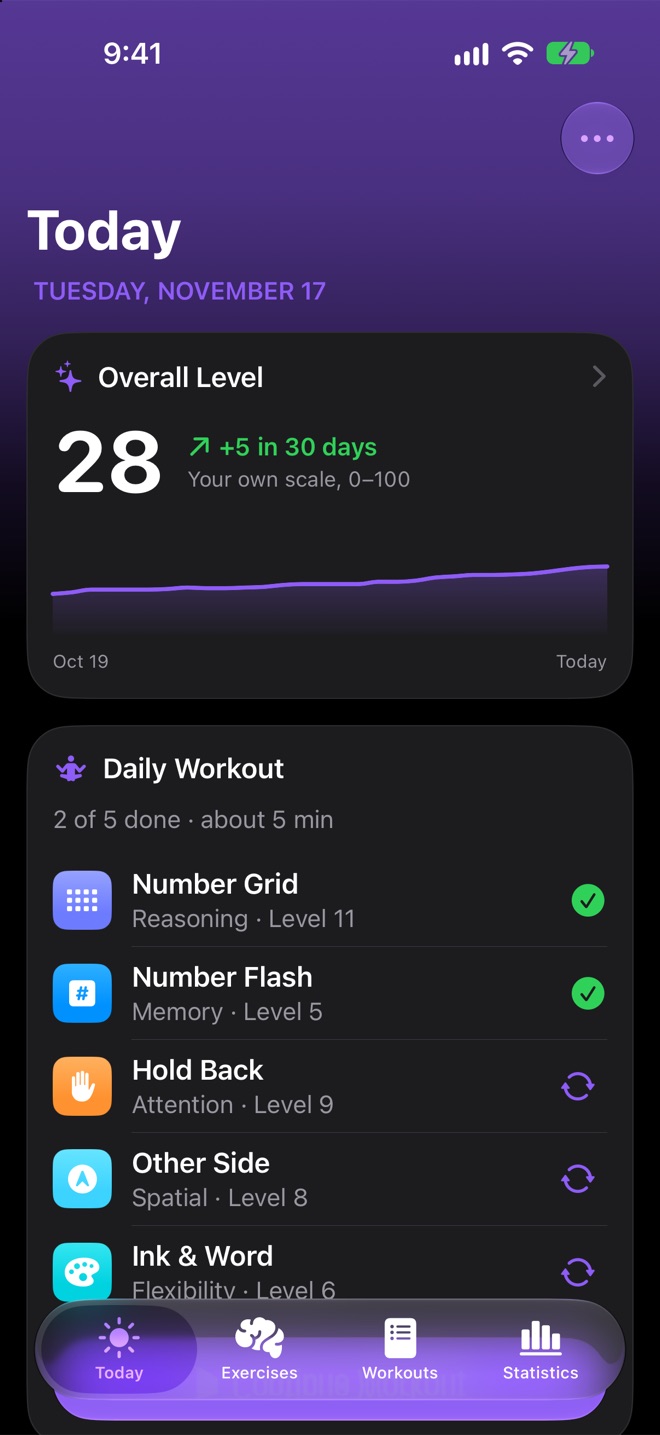
A few minutes a day, chosen for you from the areas you've played least, your weakest or only your favourites. Swap any exercise, or play just one.
Levels from 1 to 30 go up after right answers and down after mistakes, so every round is challenging but fair. Or keep a level fixed, or play without time limits.
One short round in each area finds where every exercise should start, and practice rounds show how an exercise works before the first real one.
Your Overall Level on your own 0–100 scale, a training calendar, accuracy, reaction times and personal bests, always compared with yourself, never with other people.
Palettes for red–green and blue–yellow colour vision, symbols on colours, larger answer keys, slower motion and many exercises that work with VoiceOver.
Take a look
Your Daily Workout, your streak and every area's level.
57 exercises in eight areas.


Every exercise names the research task it's built on.


Levels that follow your answers, round by round.


Spatial puzzles, from folding nets to turning cubes.


Your progress over time, compared only with yourself.


Ready-made workouts, and your own.
Built in
5 actions for Siri and the Shortcuts app on iOS 27.
Privacy
App Privacy
Data Not Collected
CanB Apps does not collect any data from CogniFit. No accounts, no analytics, no advertising identifiers.
Questions
Can't find your answer? Write to us and you'll hear back from the developer who builds CogniFit.
Contact supportCogniFit makes no such promise. Practice makes you better at the tasks you practise, and often at tasks very like them, but large reviews of the research have found little evidence that brain training improves everyday life or general intelligence. About the Science in Settings explains why, with the sources.
No. CogniFit is paid once. There is no account, no subscription and no ads.
Yes. The No Rush workout has none, and you can turn time limits off for any exercise, keep a level fixed or slow the motion down.
Yes. Turn on iCloud sync and your rounds, levels and workouts stay in step across your devices through your own private iCloud database.
More from CanB Apps


