The world on one map
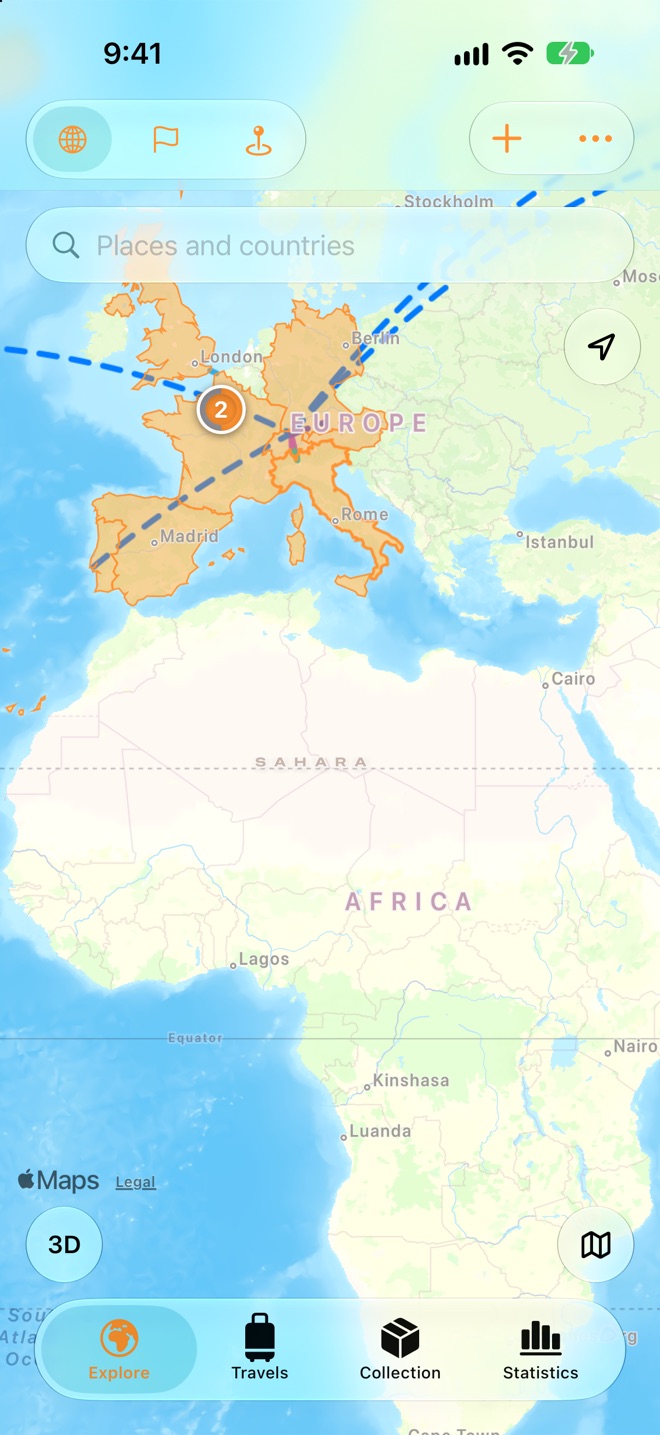
Mark countries visited or wished for on a globe or a flat map, and see your journeys and places on it. Apple's map with a connection; without one, the world is drawn from outlines stored in the app.

Every country. Every journey. Every souvenir.
MundoVia keeps your travel history: the countries you've been to, the trips and journeys that took you there, the places you saw and what you brought home, on a map of the world that works even without a connection.
Features
Mark countries visited or wished for on a globe or a flat map, and see your journeys and places on it. Apple's map with a connection; without one, the world is drawn from outlines stored in the app.
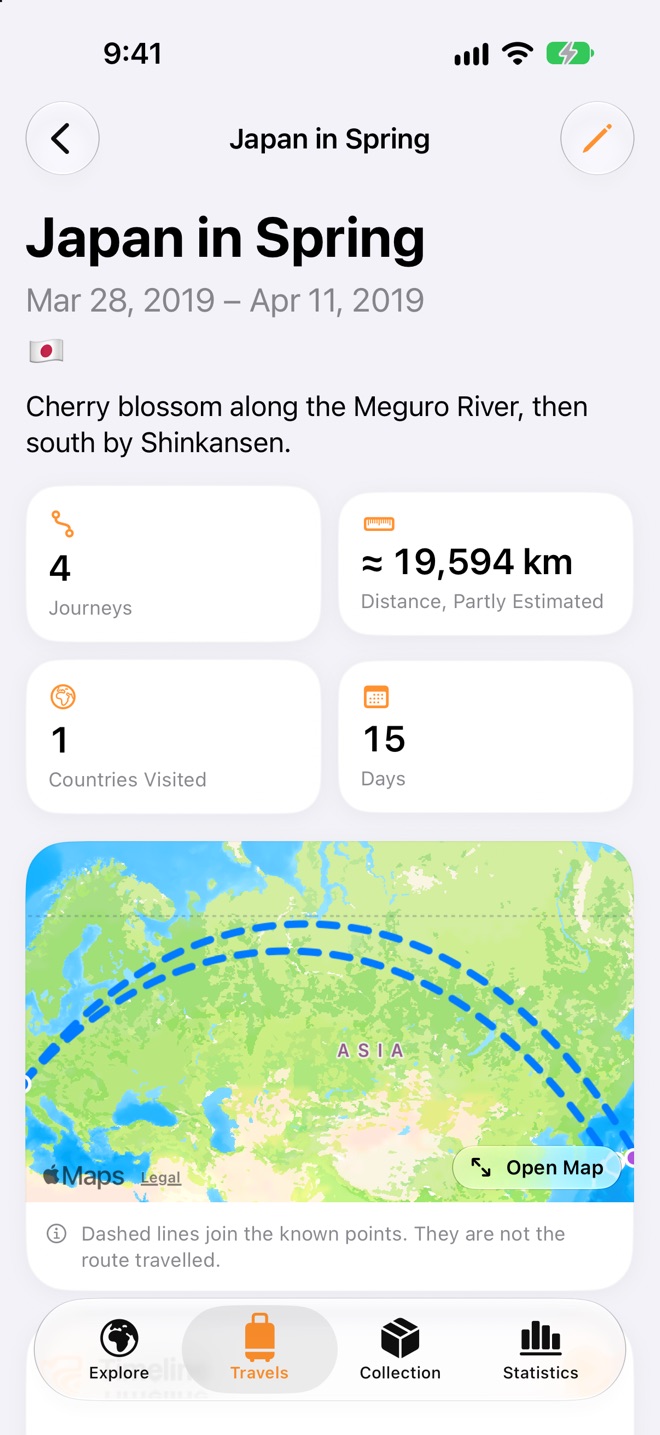
Trips, journeys by ten kinds of transport and dated visits. A date can be exact, a month, a year or left out, so even half-remembered trips find their place.
Places and landmarks nested to any depth, a museum and what you saw inside it, ticked off as a checklist, with World Heritage marks, notes and photos.
Souvenirs with photos, where you got them and what they show, and a 3D model you import or scan with LiDAR, standing on the shelves of your own cabinets.
Countries, travel days, distance by transport, flights and records, and a replay that plays your journeys and visits back on the map, in order.
Import trips from notes, calendar files from an airline or TripIt, and flight logs. Export spreadsheets, GeoJSON, GPX tracks and a travel journal to read in any browser.
Take a look
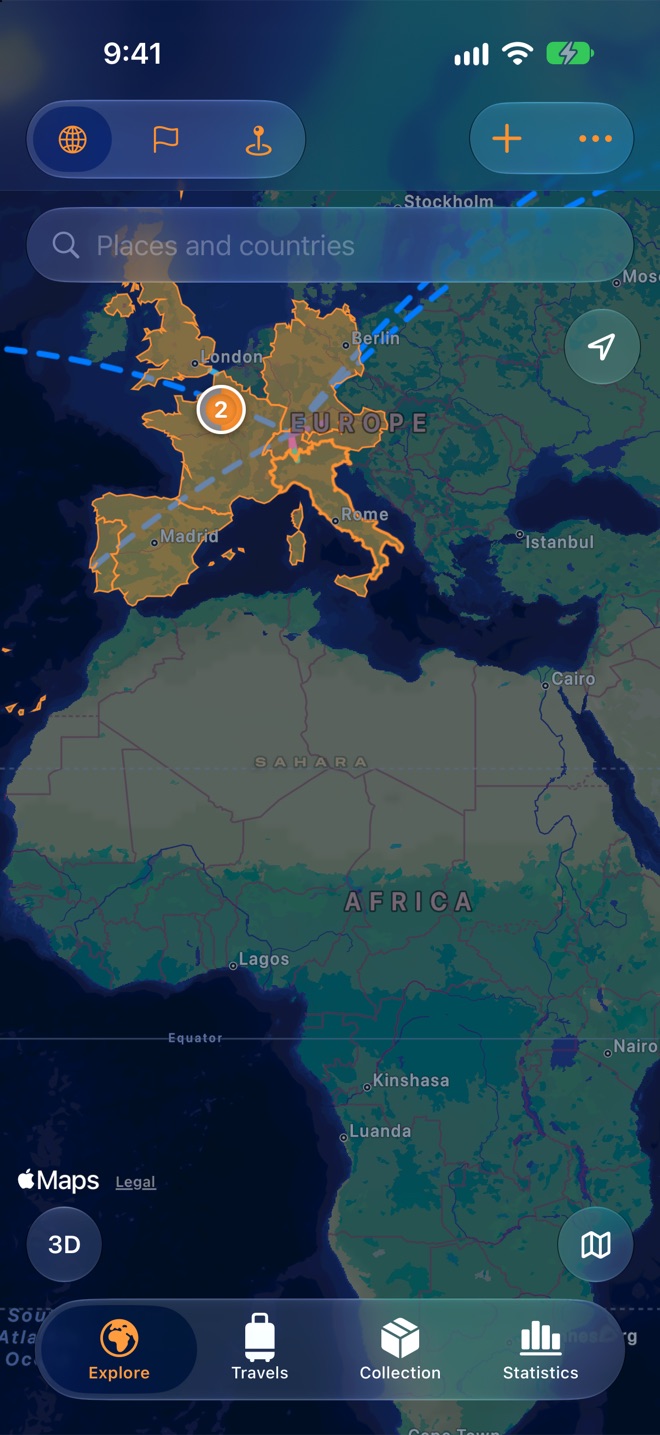
Every country you've been to, on one map.
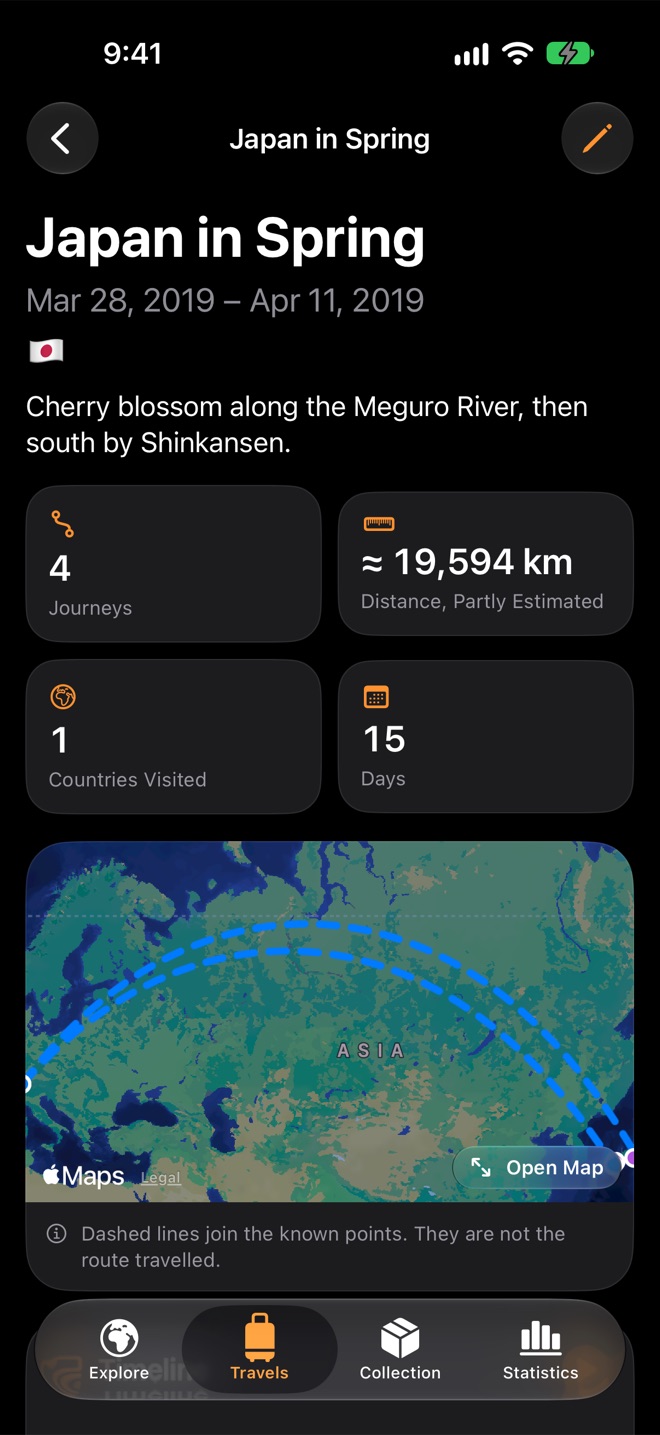
Each trip with its journeys, distances and route.


Trips, journeys and visits, year by year.


Countries, travel days and distance by transport.


Souvenirs in 3D, on the shelves of your own cabinets.


Without a connection, the map is drawn by the app.
Built in
Privacy
App Privacy
Data Not Collected
CanB Apps does not collect any data from MundoVia. No accounts, no analytics, no advertising identifiers.
Questions
Can't find your answer? Write to us and you'll hear back from the developer who builds MundoVia.
Contact supportNo. MundoVia only keeps what you enter. Your location is used just to show the blue dot on the map while the app is open, and Replay plays back your own records, not a recording of where your iPhone has been.
Yes. Without a connection the map is drawn from outlines stored in the app, and the country list, airports, statistics, backup and restore all work as usual.
Yes. Paste or open notes, import calendar files from an airline, TripIt or a calendar export, or a flight log, and check everything before it's added.
No. A country counts only when you mark it or add a visit. A journey through an airport or a souvenir from a country never marks it.
More from CanB Apps


